


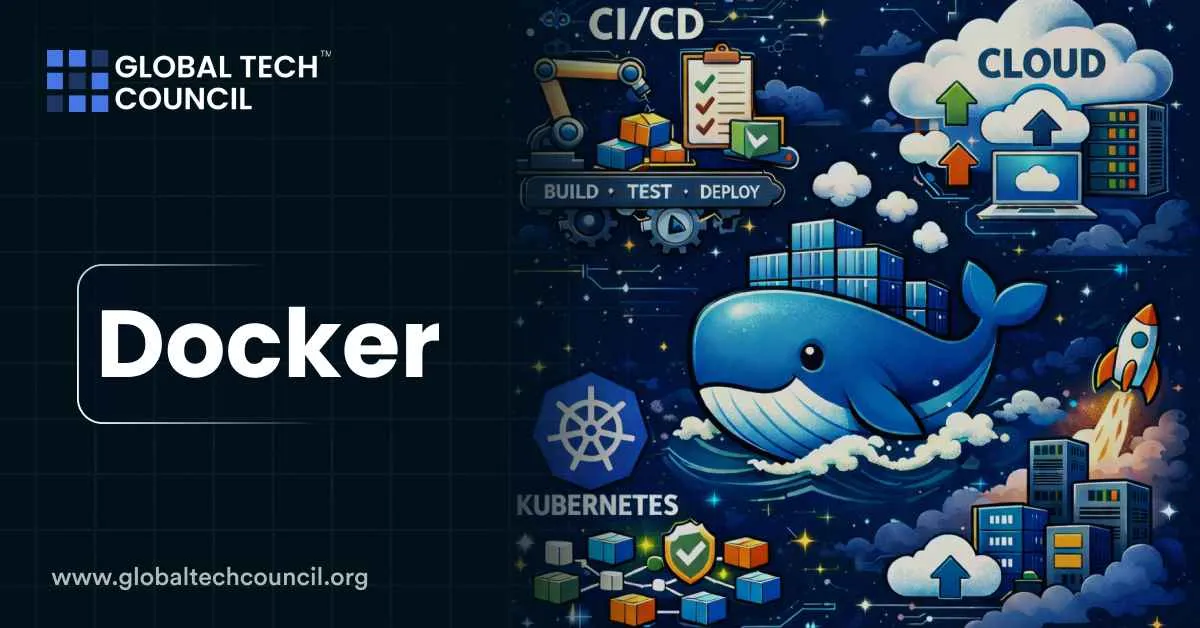
 Docker is a container platform designed to help developers build, package, ship, and run applications in a consistent way across laptops, CI pipelines, and servers. A container bundles application code with all required dependencies and runs as an isolated process while sharing the host operating system kernel. This design makes containers lightweight, fast to start, and highly portable compared to traditional virtual machines.
As software teams adopt automation, cloud native development, and AI assisted tooling, understanding Docker has become a core skill. Many professionals start by building infrastructure literacy through a Tech certification to connect development tools with real production workflows.
Core Docker Components
Docker is not a single product. It is an ecosystem of tools that work together depending on how applications are built, tested, and deployed.
Docker Engine
Docker Engine is the core runtime that powers everything else. It is responsible for pulling images from registries, creating containers, managing networks and volumes, handling logs, and cleaning up unused resources.
Recent documentation highlights Docker Engine v29 as a foundational update. This release introduced under the hood changes such as a higher minimum API version, the containerd image store becoming the default for new installations, migration to Go modules, and early support for nftables. These changes improve long term stability rather than changing day to day commands.
Docker Desktop
Docker Desktop is the developer facing application for macOS, Windows, and Linux. It bundles Docker Engine, a graphical interface, credential helpers, integrations, and optional local Kubernetes support depending on the edition.
Two recent shifts matter for teams using Docker Desktop:
- Release cadence increased starting with version 4.45.0 on 28 August 2025, moving toward more frequent updates
- Security updates are now communicated clearly through published advisories listing fixed CVEs and patched versions
For most developers on Mac or Windows, Docker Desktop remains the easiest and most reliable way to run containers locally.
Docker Build, BuildKit, and Buildx
Modern Docker builds rely on BuildKit. BuildKit enables parallel execution, better caching, improved performance, and more advanced build features. Buildx sits on top of BuildKit and is commonly used for multi platform images and advanced build workflows.
One detail that teams sometimes overlook is that Windows container build support in BuildKit is still marked as experimental in current documentation for the relevant versions.
Docker Compose
Docker Compose is the standard tool for running multi container applications. Using a compose.yaml file, developers define services, networks, and volumes, then start the entire stack with a single command.
Compose is widely used for local development and frequently appears in CI environments where applications need databases, queues, or caches to run together in a predictable way.
Docker Hub and Subscriptions
- Docker Hub is the default public registry for many commonly used images.
- Docker documents clear usage limits and subscription tiers.
Two timeline points are especially important:
- Updated subscription plans became effective on 10 December 2024
- New Docker Hub plan limits were scheduled to apply from 1 March 2025
Docker Desktop licensing is also clearly defined. It is free for personal use, education, non commercial open source projects, and small businesses below specific size and revenue thresholds. Larger organizations and government entities require a paid subscription.
Containers vs Virtual Machines
Containers are ideal for reproducible development environments, fast CI builds, consistent testing, and portable deployment units.
The difference between containers and virtual machines is fundamental:
- Virtual machines virtualize hardware and run a full guest operating system
- Containers share the host kernel, which allows them to start faster and consume fewer resources
This move toward lighter, more portable units mirrors design principles seen in distributed systems and deep infrastructure platforms. Engineers exploring these architectural parallels often build context through a deep tech certification to understand how modern systems prioritize portability and verification.
A Typical Docker Workflow
Most teams follow a simple and repeatable workflow when using Docker:
- Write a Dockerfile
- Select an appropriate base image
- Copy application code into the image
- Install dependencies
- Define an entrypoint or command
- Build the image with caching and multi architecture support when required
- Run containers locally with port mapping and mounted volumes
- Use Docker Compose for multi service applications
This workflow makes it easier to move from local development to CI and then to deployment without changing how the application is packaged.
Common Docker Commands
Some commands appear in nearly every Docker based workflow:
- Build an image
docker build -t myapp:dev . - Run a container with port mapping
docker run –rm -p 8080:8080 myapp:dev - List running containers
docker ps - Stream logs
docker logs -f <container_id> - Stop a container
docker stop <container_id> - Run a multi service stack
docker compose up -d - View Compose logs
docker compose logs -f - Shut down the stack
docker compose down
These commands form the foundation of daily container usage.
Security Updates and Why They Matter
Keeping Docker Desktop updated is not optional for teams that care about security. Docker publishes detailed security advisories listing vulnerabilities, affected versions, and fixes.
One documented example is CVE-2025-9074, fixed in Docker Desktop 4.44.3 on 20 August 2025. The issue allowed a malicious container to access the Docker Engine and start additional containers without requiring the Docker socket to be mounted. Enhanced Container Isolation did not mitigate this vulnerability.
This illustrates why staying current with Docker updates directly reduces real risk.
Best Practices for Reliable Docker Usage
A few habits significantly improve reliability and security with minimal effort:
- Pin base image versions and update them intentionally
- Use a strong .dockerignore file to avoid leaking files into build contexts
- Prefer multi stage builds to reduce image size and attack surface
- Never bake secrets into images
- Use environment variables and proper secret management
- Use Compose networks and named volumes for cleaner local setups
- Review release notes before upgrading major versions
These practices support predictable behavior across environments.
Docker’s Role in a Modern Team Stack
Docker typically sits at the center of three workflows:
- Local development with consistent environments across teams
- CI pipelines that rely on repeatable builds and tests
- Deployment pipelines that ship known artifacts to servers or managed container platforms
As teams grow, technical skills alone are not enough. Leaders also need to understand how tooling choices affect productivity, cost, and adoption. Many professionals build this perspective through a Marketing and business certification to connect infrastructure decisions with organizational outcomes.
Bottom Line
Docker remains the core container toolkit for modern development because it standardizes how applications are built and run across environments. The practical view today is clear. Docker Engine runs containers, Docker Desktop provides the easiest local experience, BuildKit and Buildx power modern builds, Compose manages multi service stacks, and Docker Hub defines how images are shared and governed.
For teams focused on consistency, portability, and operational trust, Docker continues to be one of the most important tools in the software ecosystem.