

Google AI Studio Live API
 Michael Willson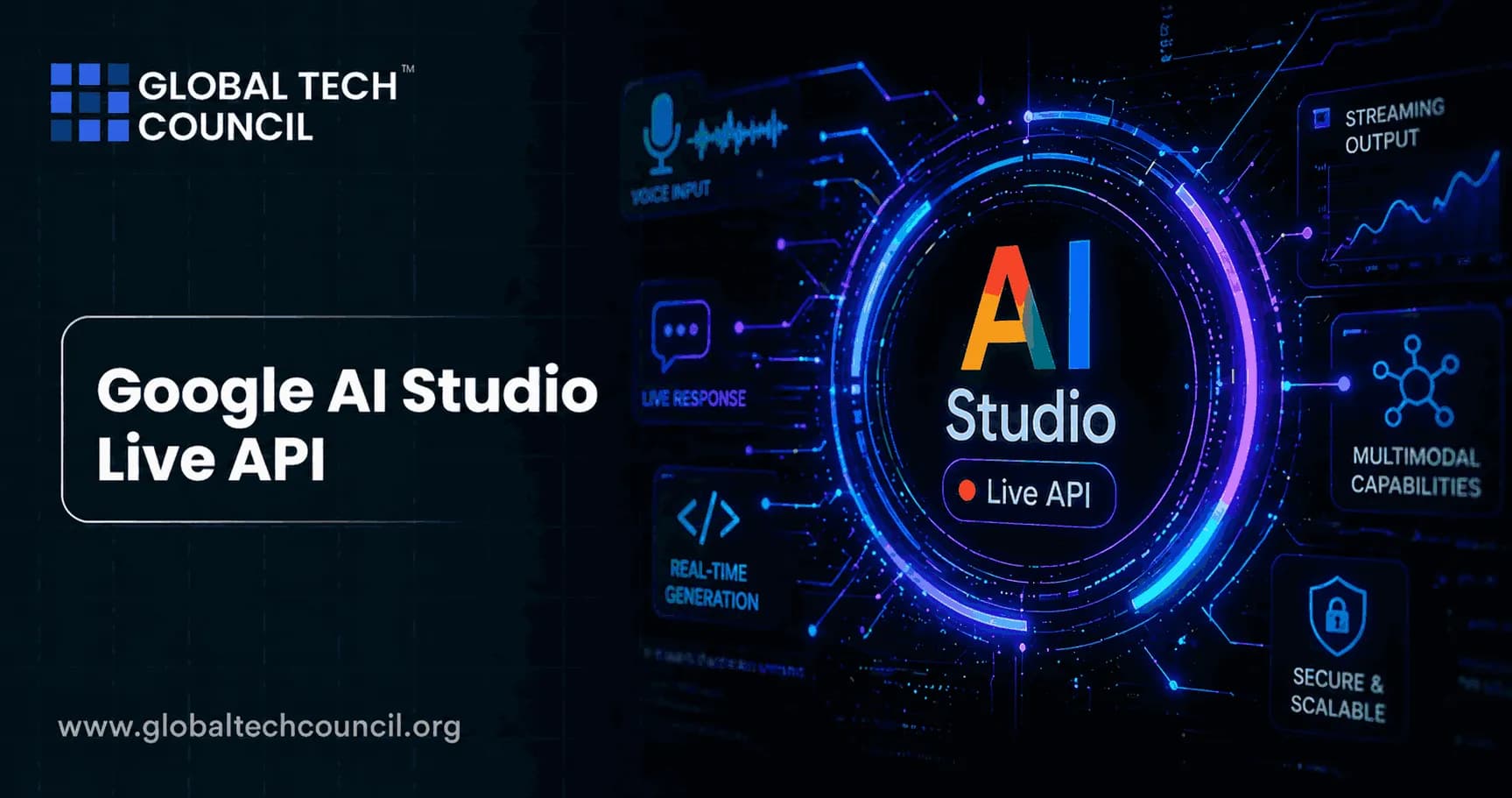
Introduction
Real-time AI interaction is no longer a distant ambition. Furthermore, with the launch and continuous evolution of the Google Live API inside Google AI Studio, developers and creators now have access to one of the most powerful real-time conversational AI infrastructures available today. Consequently, building voice agents, interactive video tools, and multimodal applications has become significantly more accessible even for those just beginning their journey in AI development. This guide covers everything professionals need to know about the Google Live API, from its core architecture and key features to practical use cases and developer integration paths.
What Is the Google Live API?
The Google Live API is a low-latency, real-time voice and video interaction system built on top of Google’s Gemini model family and accessible through Google AI Studio. It processes continuous streams of audio, video, or text to deliver immediate, human-like spoken responses. Therefore, it creates a natural conversational experience that closely mirrors the flow of human dialogue.

Unlike traditional REST-based APIs where developers send a request and wait for a response the Google Live API operates over a persistent, bidirectional WebSocket connection. This means the client and server exchange data simultaneously, in real time, without the delays associated with standard request-response cycles. As a result, applications built on this API feel genuinely responsive rather than transactional.
The latest model available through the Live API is Gemini 3.1 Flash Live, a purpose-built audio-to-audio (A2A) model designed for real-time dialogue and voice-first AI applications.
How the Google Live API Works
Bidirectional Streaming Architecture
At its technical core, the Google Live API is a stateful API. It establishes a persistent WebSocket session between the client and the Gemini server. Within this session, audio, video, and text data flow in both directions simultaneously. Consequently, the model receives input continuously while generating output at the same time much like a human conversation partner.
For most enterprise applications, the recommended architecture follows a secure, proxied flow:
User-facing App → Backend Server → Google Live API (Google Backend)
In this pattern, the frontend captures audio or video and streams it to the developer’s backend server. That server then manages the persistent WebSocket connection to the Live API. This approach keeps sensitive credentials server-side and allows developers to inject custom business logic, persist conversation state, and manage access control before data reaches Google’s infrastructure.
Input and Output Modalities
The API supports three primary input types in a single session: audio, video frames, and text. On the output side, it returns audio responses with native speech synthesis, text transcriptions, and tool call results. Additionally, response modalities are configurable; developers specify whether they need audio output, text output, or both, depending on the application.
Key Features of the Google Live API
1. Sub-Second Latency
The Google Live API delivers the first response token in approximately 600 milliseconds. This aligns response timing with natural human expectation, making AI-powered conversation feel fluid rather than mechanical. Therefore, applications built on this infrastructure can deliver genuinely interactive experiences at production scale.
2. Voice Activity Detection (VAD)
The API includes automatic Voice Activity Detection by default. It continuously monitors the audio stream and distinguishes spoken input from environmental noise. As a result, agents built on the Google Live API can operate reliably in noisy, real-world environments such as retail stores, vehicles, or open office spaces.
3. Barge-In and Interruption Support
Users can interrupt the model at any time during a response. This capability known as barge-in is essential for natural conversation design. Moreover, the model includes proactive audio controls that allow developers to specify exactly when the model should respond and when it should remain a silent listener. This creates a more nuanced conversational dynamic in applications like coaching tools or collaborative workspaces.
4. Affective Dialogue (Emotional Intelligence)
The model processes raw audio natively, rather than converting speech to text and back again. Consequently, it can interpret subtle acoustic signals including tone, emotion, speaking pace, and emphasis and adapt its response style accordingly. For example, a customer support agent built on the Google Live API can automatically de-escalate a tense interaction or adjust its tone when it detects frustration in a caller’s voice.
5. Multilingual Support
The Google Live API supports conversation in 70 languages. Native audio output models automatically detect and match the appropriate language without requiring explicit language code configuration. Therefore, applications serving global audiences can deliver localized, language-appropriate experiences from a single integration.
6. Tool Use and Function Calling
Agents built on the Google Live API can call external tools and functions during a live conversation. This includes Google Search grounding for real-time information retrieval, custom function calling for business logic integration, and code execution capabilities. As a result, agents can answer questions with live data, trigger workflows, and perform complex multi-step tasks all within the same conversational session.
7. Audio Transcription
The API provides real-time text transcripts of both user input and model output. Consequently, developers can log conversations, generate captions, feed data into downstream systems, or use transcripts for compliance and quality review purposes without any additional post-processing step.
8. Session Management and Ephemeral Tokens
Long-running conversations require robust session management. The Google Live API handles persistent sessions natively, maintaining context across extended interactions. Additionally, it supports ephemeral tokens - short-lived authentication credentials that allow secure, client-side connections without exposing permanent API keys in frontend code.
How to Try the Google Live API in AI Studio
The fastest way to experience the Google Live API before building is through Google AI Studio’s Stream mode. Developers access it directly from the AI Studio interface without writing any code. This hands-on environment allows for immediate testing of real-time voice and video interactions, voice configuration, and multimodal input combinations.
To begin building programmatically, the steps are straightforward:
Step 1 Set Up the Client: Install the Google GenAI SDK for Python or JavaScript. Initialize the client with your API key.
Step 2 Connect to the Model: Create an async WebSocket connection to the Live API using the client.aio.live.connect() method and the gemini-3.1-flash-live-preview model.
Step 3 Configure Response Modalities: Specify whether the agent should return audio, text, or both. Add a voice configuration if audio output is required.
Step 4 Stream Input: Send audio data from a microphone or video frames from a camera feed. The model processes each chunk and responds in real time.
Step 5 Handle Output: Receive audio output for playback and optional text transcriptions for logging, display, or downstream processing.
Step 6 Deploy Securely: For production environments, implement the server-to-server proxied architecture to keep credentials secure and enable business logic injection.
Use Cases Across Industries
The Google Live API is purpose-built for applications where real-time responsiveness is non-negotiable. The range of supported use cases spans virtually every sector.
E-Commerce and Retail
Shopping assistants can offer personalized product recommendations and resolve customer issues through natural voice conversation. Moreover, agents can access live inventory systems through function calling ensuring that recommendations reflect real-time availability.
Gaming
Developers can build interactive non-player characters (NPCs) that engage with players in real time. Additionally, the API supports real-time translation of in-game content and in-game help assistants that observe gameplay through video input and offer contextual guidance.
Healthcare
Health companion applications can support patient education, triage assistance, and daily wellness check-ins through natural voice interaction. The affective dialogue feature is particularly valuable in healthcare contexts where tone sensitivity directly impacts user experience.
Financial Services
AI advisors for wealth management and investment guidance can deliver conversational, real-time support. Furthermore, function calling enables these agents to pull live market data, portfolio information, or compliance documentation during the conversation itself.
Education
AI mentors and learner companions can provide personalized instruction and adaptive feedback in real time. The multilingual support makes these applications viable for global education platforms serving students across different regions and languages.
Next-Generation Interfaces
The Google Live API powers voice and video experiences in robotics, smart glasses, and vehicle interfaces. Consequently, it is a foundational technology for ambient computing applications where screen-free, voice-first interaction is the primary interface model.
Why AI Literacy Accelerates Live API Development
Building effectively with tools like the Google Live API requires more than technical access. It demands a structured understanding of AI systems, model behavior, and responsible deployment practices. Professionals who hold an AI Expert certification develop the foundational knowledge needed to evaluate model capabilities, design appropriate application architectures, and avoid common failure modes in AI-powered products.
Moreover, as real-time AI agents become more autonomous calling tools, managing sessions, and making real-time decisions understanding agentic behavior becomes critical. An Agentic AI certification equips professionals to design, deploy, and oversee multi-step agentic pipelines, including those powered by live streaming APIs.
For developers and architects working with Google Cloud infrastructure, a Deep tech certification provides the technical grounding needed to work confidently with WebSocket architectures, production deployment patterns, and enterprise-scale API integrations.
Finally, marketers and product professionals who want to translate real-time AI capabilities into measurable audience outcomes will find significant value in an AI powered digital marketing expert certification. It connects AI-driven product features to campaign performance, customer experience design, and scalable go-to-market execution.
Integration Options and Partner Ecosystem
The Google Live API connects with several established platforms for production-grade deployment. LiveKit, Pipecat (developed with Daily), Voximplant, and Fishjam all offer pre-built integrations over WebRTC or WebSocket protocols. These partnerships streamline the development of real-time audio and video applications, particularly for developers who need WebRTC scaling or global edge routing without building that infrastructure from scratch.
Additionally, Google’s Agent Development Kit (ADK) includes a dedicated Live API Toolkit. This provides high-level abstractions for session management, tool orchestration, and state persistence significantly reducing the infrastructure development time required for production-ready streaming agents.
FAQs
What is the Google Live API?
It is a low-latency, real-time voice and video interaction system built on Gemini models, accessible through Google AI Studio and the Gemini API.
What model powers the Google Live API?
The latest model is Gemini 3.1 Flash Live, a purpose-built audio-to-audio model optimized for real-time dialogue and voice-first applications.
How does the Live API differ from standard REST APIs?
Unlike REST APIs, the Live API uses a persistent bidirectional WebSocket connection allowing simultaneous data exchange rather than sequential request-response cycles.
Can I try the Google Live API without writing code?
Yes. Google AI Studio’s Stream mode lets developers experience the Live API directly in the browser without any code setup.
What input types does the Live API support?
It supports audio, video frames, and text as inputs within a single session.
What languages does the Live API support?
It supports conversation in 70 languages, with native audio models automatically detecting and matching the appropriate language.
What is Voice Activity Detection (VAD) in the Live API?
VAD automatically distinguishes spoken input from environmental noise in a continuous audio stream, keeping agents reliable in real-world conditions.
What is barge-in and why does it matter?
Barge-in allows users to interrupt the model mid-response. This capability is essential for creating natural, fluid conversational experiences.
What is affective dialogue in the Live API?
Affective dialogue enables the model to detect tone, emotion, and speaking pace in raw audio, allowing it to adapt its response style accordingly.
Does the Live API support tool use during a conversation?
Yes. It supports function calling, Google Search grounding, and code execution within a live session enabling agents to access real-time data and trigger workflows.
What is the recommended architecture for production deployments?
A proxied server-to-server flow: User App → Backend Server → Google Live API. This keeps credentials secure and allows business logic injection.
How low is the latency of the Google Live API?
The model delivers its first token in approximately 600 milliseconds, aligning with natural human conversational response timing.
What are ephemeral tokens in the Live API?
Ephemeral tokens are short-lived authentication credentials that enable secure client-side connections without exposing permanent API keys in frontend code.
What platforms integrate natively with the Live API?
LiveKit, Pipecat (via Daily), Voximplant, and Fishjam all offer native integrations over WebRTC or WebSocket protocols.
What is the Agent Development Kit (ADK) and how does it relate?
The ADK is Google’s framework for building production AI agents. Its Live API Toolkit provides abstractions for session management, tool orchestration, and streaming infrastructure.
Can the Live API process video input?
Yes. It processes continuous video frames alongside audio, enabling applications that observe and respond to visual context in real time.
Does the Live API provide audio transcription?
Yes. It provides real-time text transcripts of both user input and model output as a built-in feature.
What industries benefit most from the Google Live API?
E-commerce, gaming, healthcare, financial services, education, and next-generation hardware interfaces like robotics and smart glasses.
Is the Live API available on both Gemini API and Vertex AI?
Yes. It is accessible through both the Gemini Developer API and Vertex AI, with pricing documented separately for each access path.
How do I get started building with the Google Live API?
Install the Google GenAI SDK, connect to the model via the client.aio.live.connect() method, configure your response modalities, and stream audio or video input. Alternatively, start by exploring Stream mode in Google AI Studio.
Related Articles
View All
AI & ML
Meet Google Playground: Create Games With AI
Meet Google Playground, Google's new experimental platform that lets you create, play, and share custom games with text prompts. Learn how it works, basic game design tips, a sample session, safety and sharing features, Unity Spark plans, and limits.
AI & ML
Does Google Achieve Recursive Self-Improvement?
Explore whether Google has achieved recursive self-improvement in AI, how systems like AlphaEvolve and SIMA 2 demonstrate self-improving capabilities, and what still separates them from true RSI.
AI & ML
OpenAI Dots vs Grok Bot vs Muse
Compare OpenAI Dots, Grok Bot, and Meta Muse to understand how these persistent AI agents differ in cloud computer use, connected apps, automation, memory, and long-running workflows.
Trending Articles
The Role of Blockchain in Ethical AI Development
How blockchain technology is being used to promote transparency and accountability in artificial intelligence systems.
AWS Career Roadmap
A step-by-step guide to building a successful career in Amazon Web Services cloud computing.
Top 5 DeFi Platforms
Explore the leading decentralized finance platforms and what makes each one unique in the evolving DeFi landscape.