
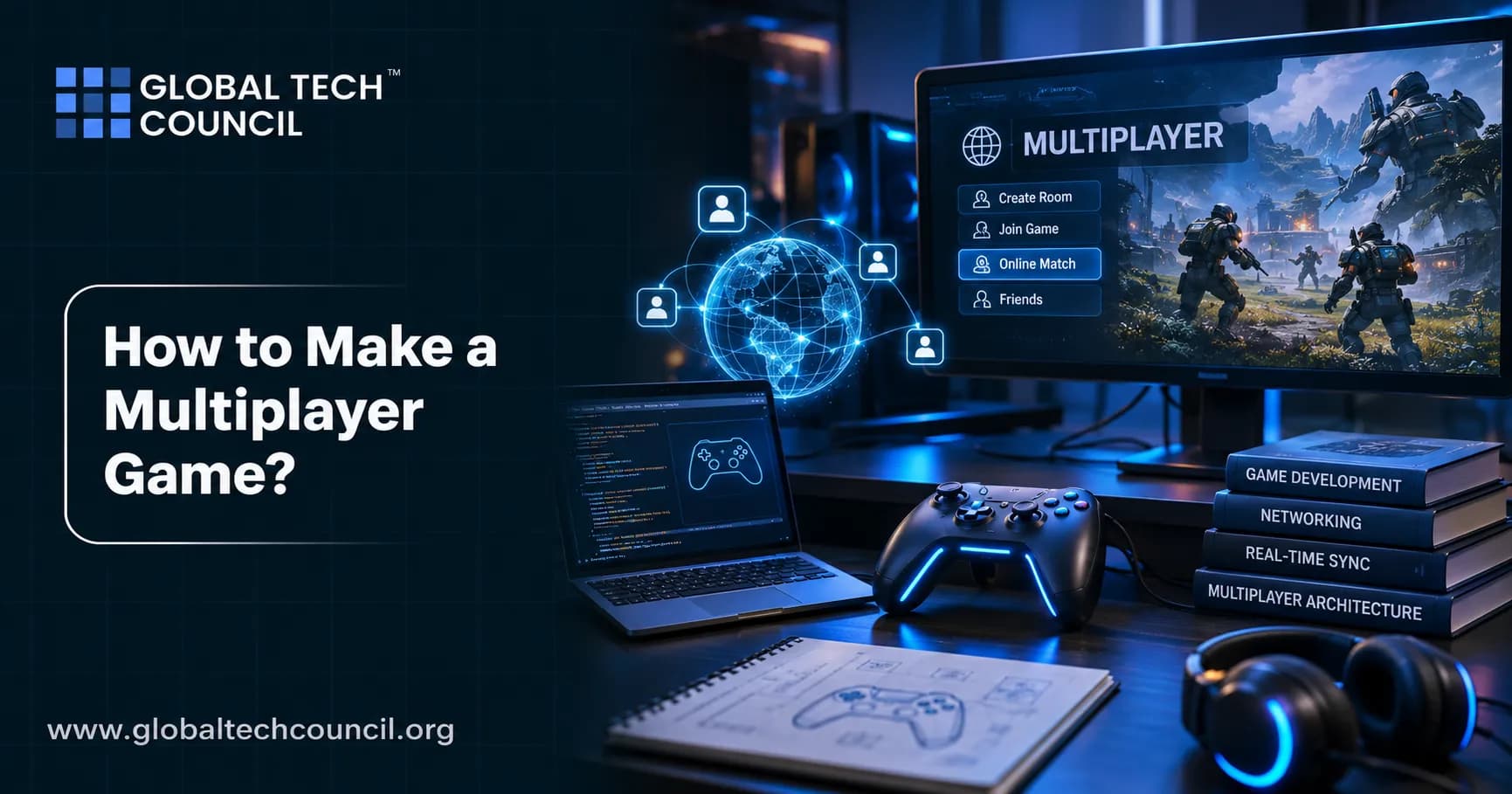
How to Make a Multiplayer Game?
 Suyash Raizada
Multiplayer is one of the first features new game developers want to add, and one of the first that forces them to think about networking. Learning how to make a multiplayer game starts with a design decision rather than a library: will players share one device, or connect from different ones over the internet?
The sections below cover that decision, the two main network architectures (client-server and peer-to-peer) and how WebRTC brings direct connections to the browser. The open-source Netlib library serves as a worked peer-to-peer example, alongside tools such as Socket.IO, Colyseus, Photon, Godot and Unity's Netcode for GameObjects.

What is a Multiplayer Game?
A multiplayer game lets two or more people play in the same session, either together or against each other. For a developer, the hard part is keeping every player's view of the game consistent, so that a goal scored or a hit landed means the same thing on every screen.
Local multiplayer: All players use the same device and screen. Input comes from one keyboard, several controllers or touch, and no network is involved.
Online multiplayer: Each player runs the game on their own device, and the game state travels over the internet, either directly between players or through a server.
Local Multiplayer vs Online Multiplayer
Local play is the easiest place to start. Many browser games split a single keyboard so one player uses WASD and the other uses the arrow keys, which needs no network code at all.
The trade-off is reach. Local multiplayer needs no server, matchmaking or lag handling, but both players have to sit at the same machine. Online multiplayer removes that limit and brings in connection setup, latency, disconnections and cheating.
Feature | Local Multiplayer | Online Multiplayer |
Player location | Same device and screen | Separate devices, anywhere |
Network required | No | Yes |
Input | Shared keyboard, controllers or touch | Each player's own device |
Latency between players | None | Depends on connection and distance |
Server costs | None | Depends on the architecture |
Effort to build | Low | Medium to high |
Client-Server vs Peer-to-Peer Architecture
Once a game goes online, the next question is where the official version of the game state lives.
Client-server: Every player connects to a central server that runs the game logic and tells each client what happened. The server can check every move, which makes cheating harder, but someone has to host it and pay for it.
Peer-to-peer (P2P): Players connect directly and exchange inputs or state. No game server is needed and nearby players can get lower latency, but each peer has to trust the others, and direct links can fail on some home and mobile networks.
Many engines also offer a host mode, where one player's machine acts as both server and client. Unity's Netcode for GameObjects supports this listen-server setup and is server-authoritative by default, so only the server can spawn and remove networked objects.
Steps to Make a Multiplayer Game
1. Choose Local or Online Play
Start from the experience you want, not the technology. A two-player fighting or sports game can ship as local-only and add online play later. If players need to meet strangers, plan for online play from the start, because lobbies and matchmaking shape the menus and the flow of a match.
2. Pick a Network Model
Competitive games that need protection against cheating usually go with an authoritative server. Small casual sessions, such as one-on-one matches between friends, suit peer-to-peer well and avoid the cost of running servers.
3. Choose a Transport
Networking code for web games is usually written in JavaScript or TypeScript, so the skills covered when becoming a JavaScript developer, such as promises, async/await and modules, apply directly.
For client-server games in the browser, WebSockets keep a persistent two-way connection open between each player and the server. Socket.IO adds event-based messages, automatic reconnection that buffers packets sent while offline, and rooms for broadcasting to groups of players. Its documentation points out that it is not a plain WebSocket implementation, so a standard WebSocket client cannot connect to a Socket.IO server. For direct player-to-player links, the browser option is WebRTC, covered below.
4. Synchronize Game State
Decide what actually travels over the network. Sending player inputs keeps messages small, while sending full state is easier to reason about. Unity's documentation separates its two sync tools along a useful line: remote procedure calls (RPCs) for one-off events, and NetworkVariables for values where only the latest one matters, such as a player's current health.
5. Handle Lag and Disconnections
Real networks drop packets and add delay. Colyseus, an open-source Node.js framework for authoritative game servers, added client prediction, rollback, interpolation and lag compensation in version 0.18. Even a simple two-player game needs a reconnection path and a clear message when the other player leaves.
6. Test on Real Networks
A game that runs well on localhost can still fail behind a home router. Test across different networks, including mobile data, before launch.
How WebRTC Enables Peer-to-Peer Multiplayer in the Browser
Web Real-Time Communication (WebRTC) is the browser standard for direct connections between users. Mozilla's MDN Web Docs describe its RTCDataChannel as a two-way data channel between two peers that can carry game status packets, and note that the API was designed to resemble the WebSocket API.
Peers cannot find each other on their own, so a WebRTC game relies on three supporting services.
Signaling server: Introduces the peers and passes along the connection details they need before a direct link exists.
STUN server: Session Traversal Utilities for NAT (STUN) helps each peer discover its public address, since most home connections sit behind Network Address Translation (NAT).
TURN server: Traversal Using Relays around NAT (TURN) relays traffic when a direct path between peers fails.
A Peer-to-Peer Case Study: Netlib
Netlib is an open-source library from Poki, a platform that hosts more than 150 free multiplayer games. It connects players on separate devices directly through WebRTC data channels instead of a game server, and its README sets the goal of making WebRTC as easy to use as WebSockets.
No game server: Players connect directly, so no server runs the match.
One codebase: Game logic does not have to be written twice, once for the client and once for a server.
Reliable and unreliable channels: Developers choose per message, using reliable delivery for events like chat and unreliable delivery for frequent position updates.
Lobbies: A built-in lobby system with filtering, plus a joinOrCreate call for automatic matchmaking.
TURN fallback: Traffic is relayed when a direct connection fails. The hosted version uses Cloudflare TURN servers, with Google's STUN servers as the default.
A minimal setup creates a network with a game ID, joins or creates a lobby, then sends and receives messages. Netlib carries strings or binary data, so objects are converted to JSON first:
import { Network } from '@poki/netlib'
const network = new Network('your-game-id')
network.on('ready', async () => {
await network.joinOrCreate({ maxPlayers: 2 })
})
network.on('connected', (peer) => {
network.broadcast('unreliable', JSON.stringify({ x: 120, y: 80 }))
})
network.on('message', (peer, channel, data) => {
const position = JSON.parse(data)
// update the other player's position
})
Teams can also host their own signaling server with Docker or a Go binary. The project's roadmap still lists data compression and debugging tools as unfinished, and the API is not yet marked stable, which is worth weighing before a production launch.
Other Tools for Building Multiplayer Games
Socket.IO: Event-based client-server messaging over WebSocket, HTTP long-polling or WebTransport, with automatic fallback when WebSocket is blocked.
Colyseus: Rooms and matchmaking, with game state defined on the server and sent to clients as binary delta patches. It has client SDKs for Web, Unity, Godot, Defold, GameMaker, Construct and Haxe, and can be self-hosted at no cost or run on Colyseus Cloud.
Photon: A hosted multiplayer platform whose cloud runs in many world regions, with clients picking the best region automatically. Photon recommends Fusion for new projects and keeps PUN 2 in maintenance, and its documentation notes that peer-to-peer clients often fail to connect because of NAT issues, particularly on mobile networks.
Godot: A built-in MultiplayerAPI with ENet, WebRTC and WebSocket peers, and an @rpc annotation for calling functions on other peers. Servers hosted at home usually need port forwarding because of NAT.
Unity Netcode for GameObjects: NetworkObject and NetworkBehaviour components, RPCs and NetworkVariables, with server authority as the default.
Conclusion
Making a multiplayer game comes down to a short sequence of choices: local or online, client-server or peer-to-peer, then the transport and tools that fit. Local play is the fastest way to ship something two people can enjoy together, while online play adds networking work that libraries such as Socket.IO, Colyseus, Photon, the major engines and Netlib can take off a developer's hands.
FAQs
1. How do you make a multiplayer game as a beginner?
Start with local multiplayer on one device, since it needs no networking. Once the game works, add online play with a library that handles connections and lobbies for you.
2. What is the difference between local multiplayer and online multiplayer?
Local multiplayer puts all players on the same device and screen. Online multiplayer connects players on separate devices over the internet, which adds latency and connection handling.
3. What is peer to peer multiplayer?
In peer-to-peer multiplayer, players' devices connect directly and exchange game data without a central game server. It cuts hosting costs, but direct connections can fail behind some networks.
4. Is client-server or peer-to-peer better for multiplayer games?
Client-server suits competitive games where cheat prevention matters, because the server checks every move. Peer-to-peer suits small, casual sessions where avoiding server costs matters more.
5. Can you make a multiplayer game in JavaScript?
Yes. JavaScript multiplayer games commonly use WebSockets or Socket.IO for client-server play and WebRTC for peer-to-peer play, with libraries such as Colyseus or Netlib on top.
6. What is WebRTC used for in games?
WebRTC lets browsers connect directly to each other. Games use its data channels to send inputs and game state between players without routing everything through a server.
7. Why do peer-to-peer games need a TURN server?
Some networks block direct connections between devices. A TURN server relays the traffic in those cases so the match can still go ahead.
8. What is Netlib?
Netlib is an open-source peer-to-peer networking library for web games, built on WebRTC data channels. It includes lobbies, matchmaking, reliable and unreliable channels and TURN fallback.
9. Do multiplayer games always need a server?
No. Local multiplayer needs no server at all, and peer-to-peer games only need a lightweight signaling server to introduce players, plus a relay for connections that cannot go direct.
10. Which game engines support multiplayer out of the box?
Godot ships with a high-level multiplayer API, and Unity offers Netcode for GameObjects as a package. Services such as Photon and Colyseus add hosting and matchmaking on top of these engines.
Related Articles
View All
AI & ML
Meet ChatGPT Space: A New Way to Work With AI
ChatGPT Space is OpenAI's new shared workspace where teams, files and AI build Pages, slides and notes together. Learn how it works, who can use it, and how to start.

AI & ML
Meet ChatGPT for Sales: OpenAI's New AI Sales Tool
OpenAI launched ChatGPT for Sales on November 17, 2026, pairing a new Sales plugin with 30+ partner plugins for Salesforce, HubSpot, Gong and more. See how it works, what it connects to, how to set it up and where to be careful.

AI & ML
Meet Gemini 4 Neon: Google's New AI Model
Meet Gemini 4 Neon, Google’s new mid-tier Gemini 4 model, launched November 18, 2026. Learn how it compares with Carbon and Hydrogen, what its benchmarks and $3/$15 pricing mean, and how to access it.