

Common Java Coding Mistakes Beginners Should Avoid
 Suyash Raizada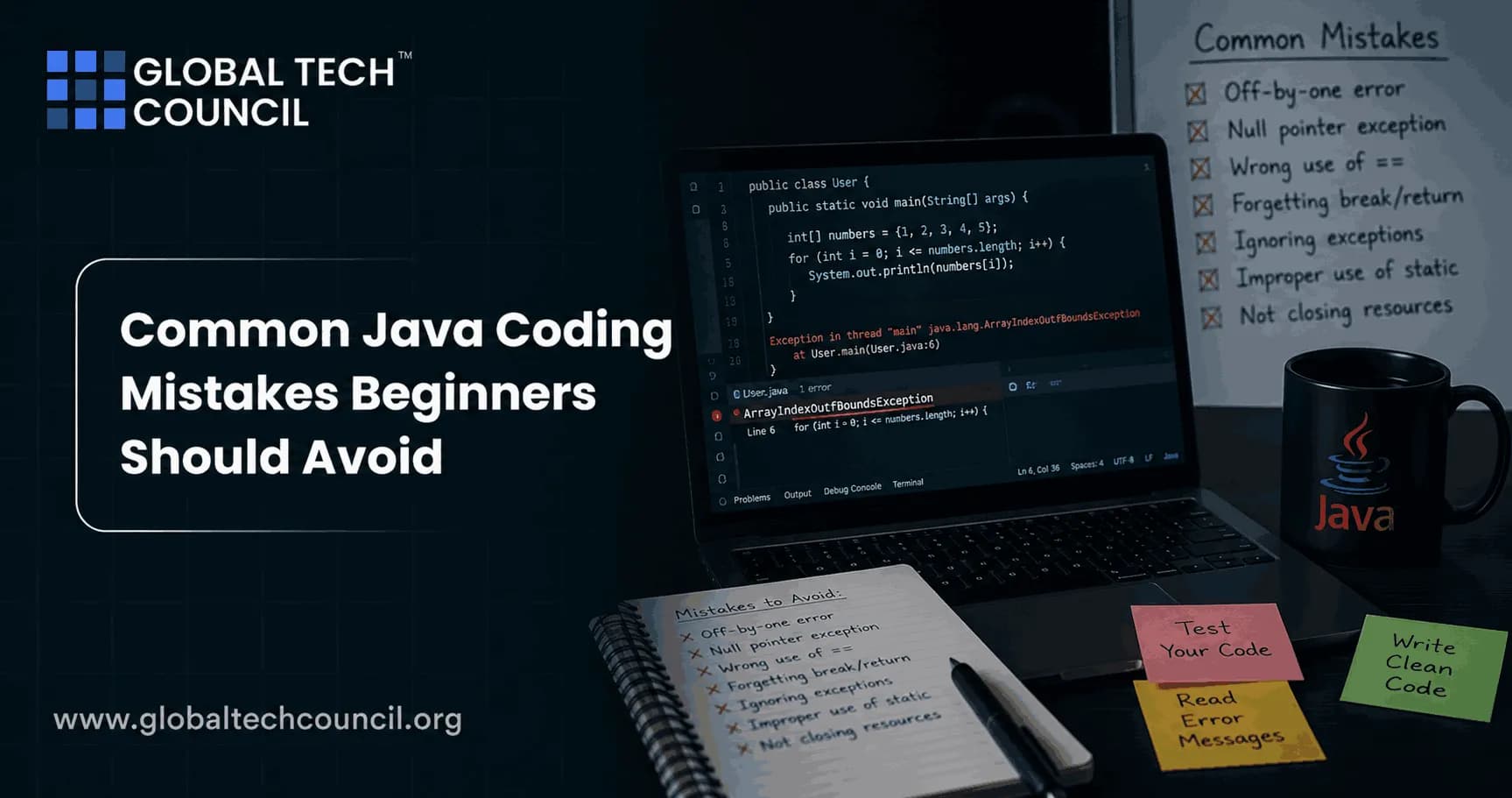
Common Java coding mistakes rarely come from one missing semicolon anymore. IntelliJ IDEA, Eclipse, VS Code, and the Java compiler catch plenty of syntax errors before your code runs. The mistakes that still hurt beginners are deeper: wrong equality checks, careless null handling, oversized methods, weak object-oriented design, and resource leaks that only appear after the program has been running for a while.
If you are learning Java for backend development, Android foundations, QA automation, or enterprise systems, build these habits early. They separate code that merely compiles from code another developer can trust.

1. Comparing Strings with == Instead of .equals()
This is the classic Java beginner bug, and it still shows up in code reviews. In Java, == checks whether two references point to the same object. It does not check whether two objects contain the same text. For text comparison, use .equals().
String role = new String("admin");

if (role == "admin") {
    System.out.println("Access granted");
}
That condition may fail even though the characters match. The safe version is:
if ("admin".equals(role)) {
    System.out.println("Access granted");
}
Putting the known string first also avoids a null crash if role is null. Many senior Java developers call this one out because it causes real production bugs, especially in login checks, role checks, and request parameter handling.
2. Writing Everything Inside main()
public static void main(String[] args) is an entry point, not a dumping ground. Beginners often put input handling, validation, calculations, printing, and persistence in one long method. It works for a 30-line exercise. It collapses when the program grows.
Use main() to start the program and delegate work:
public class App {
    public static void main(String[] args) {
        OrderService service = new OrderService();
        service.processSampleOrder();
    }
}
Then move business logic into named classes and methods. This makes the code easier to test. It also forces you to think in Java's object-oriented style instead of treating Java like a scripting language with extra ceremony.
3. Overusing static
static feels convenient at first. No object creation. No constructor. Just call the method. The problem is that beginners then make every variable and method static, which creates global state and code that is painful to test.
Use static for:
Constants, such as
public static final int MAX_RETRIES = 3;Pure utility methods with no state
The
main()method
Do not use it as a shortcut to avoid learning objects. If a class represents a customer, cart, order, invoice, or user session, it probably should have instance fields and instance methods.
Learning Java is easier when developers understand not only how to write code but also how to avoid common programming mistakes that affect performance, maintainability, and application reliability. Pursuing a Tech Certification helps professionals strengthen their expertise in Java programming, object-oriented design, debugging, exception handling, backend development, and software engineering best practices. These industry-recognized certifications provide practical experience in writing clean, efficient, and production-ready Java applications while building the confidence needed for real-world software development.
4. Ignoring Null Until It Crashes
Null handling is where many beginners meet their first runtime exception. Modern Java versions help. Since Java 14, the JVM can print more useful NullPointerException messages. You might see something like this:
Exception in thread "main" java.lang.NullPointerException: Cannot invoke "String.equals(Object)" because "input" is null
    at Demo.main(Demo.java:4)
That message is helpful, but it is not a design strategy. Decide where null is allowed and where it is not. Validate inputs early. If a method requires a non-null value, fail with a clear exception:
public void registerUser(String email) {
    if (email == null || email.isBlank()) {
        throw new IllegalArgumentException("Email is required");
    }
}
Optional can be useful for return values that may be absent, but do not use it everywhere. It is not meant for every field, every parameter, or simple local checks.
5. Catching Exceptions Too Broadly
A common beginner pattern looks like this:
try {
    saveFile();
} catch (Exception e) {
    e.printStackTrace();
}
That is barely better than ignoring the error. It catches too much, prints to standard error, and gives the calling code no meaningful way to respond. Empty catch blocks are worse. They hide failures completely.
Catch the exception you can actually handle:
try {
    Files.writeString(Path.of("report.txt"), "done");
} catch (IOException e) {
    throw new UncheckedIOException("Could not write report file", e);
}
To be blunt, do not catch Throwable in beginner application code. You will catch errors such as OutOfMemoryError that your method is not prepared to recover from.
6. Forgetting try-with-resources
Garbage collection does not close files, sockets, database connections, or streams on your schedule. If you open a resource, close it. The clean Java way is try-with-resources, available since Java 7.
try (BufferedReader reader = Files.newBufferedReader(Path.of("users.csv"))) {
    String line;
    while ((line = reader.readLine()) != null) {
        System.out.println(line);
    }
} catch (IOException e) {
    throw new UncheckedIOException(e);
}
This matters even more with JDBC. A web app that forgets to close Connection, PreparedStatement, or ResultSet can exhaust the connection pool under normal traffic. The bug may not appear in your first local test. It appears at 2 p.m. when every request starts timing out.
7. Using Raw Collections Instead of Generics
Raw types remove one of Java's biggest safety nets. This compiles with warnings:
List names = new ArrayList();
names.add("Ada");
names.add(42);
Later, you may get a ClassCastException when reading the list. Write the type:
List<String> names = new ArrayList<>();
names.add("Ada");
Let the compiler work for you. Use List<User>, Map<String, Integer>, and Set<UUID> instead of raw List, Map, and Set. IDE warnings are not decoration. Fix them.
8. Modifying a Collection While Looping Over It
This one catches beginners quickly:
for (String name : names) {
    if (name.isBlank()) {
        names.remove(name);
    }
}
You can trigger a ConcurrentModificationException, or worse, create logic that skips elements in other loop styles. Use removeIf for simple filters:
names.removeIf(String::isBlank);Or use an iterator when you need more control:
Iterator<String> iterator = names.iterator();
while (iterator.hasNext()) {
    if (iterator.next().isBlank()) {
        iterator.remove();
    }
}
9. Choosing the Wrong Collection for the Job
ArrayList is a good default for ordered data with frequent reads. It is not always the right answer. If you need unique values, use a Set. If you need key-based lookup, use a Map. If multiple threads update shared data, do not casually share a plain HashMap or ArrayList.
For concurrent access, consider ConcurrentHashMap or redesign the code so shared mutable state is reduced. Beginners often underestimate this because their program works with one thread. Under load, race conditions are not polite. They fail intermittently.
Writing high-quality code is a foundational skill for developing applications powered by artificial intelligence, cloud computing, blockchain, and intelligent automation. Becoming a Deeptech Expert helps professionals understand how software quality, maintainability, and system design influence the performance of modern technology solutions. This interdisciplinary perspective enables developers to recognize coding patterns that improve scalability, reduce technical debt, and support reliable applications across rapidly evolving digital ecosystems.
10. Building Deep Inheritance Trees Too Early
Inheritance is not a code reuse shortcut. A five-level hierarchy such as BaseUser, PaidUser, PremiumPaidUser, and RegionalPremiumPaidUser usually becomes fragile. One change in a parent class breaks behavior in a child class you forgot existed.
Favor composition when the relationship is not a clear is-a relationship. A User can have a Subscription. An Order can have a PaymentMethod. That is easier to test and change.
11. Writing Long, Nested, Hard-to-Test Methods
If a method needs four levels of indentation, it is asking to be refactored. Long methods hide bugs because no one can hold the whole flow in their head.
Watch for these signs:
The method is longer than one screen.
It validates input, talks to a database, applies business rules, and formats output.
You cannot name the method without using the word
and.You need many comments to explain basic flow.
Extract helper methods. Give them clear names. This is not academic purity. Smaller methods are easier to unit test with JUnit 5, easier to debug, and easier for a teammate to review.
12. Learning Java by Watching Instead of Coding
Videos help, but Java is learned by writing Java. If you spend five hours watching tutorials and 20 minutes coding, your progress will feel slow because the hard part is not recognition. It is recall and problem solving.
Use a simple ratio: spend most of your time building. Start with small programs:
A command-line expense tracker
A file parser that reads CSV data
A simple REST API with Spring Boot after you know core Java
A JUnit test suite for your own classes
If you are preparing for professional growth, pair practice with structured learning. Global Tech Council's programming and software development learning paths can serve as next steps for readers who want certification-oriented study after core Java practice.
How to Build Better Java Habits from Day One
Here is the checklist I would give any beginner before their first serious Java project:
Use
.equals()for object value comparison, especially strings.Turn on IDE inspections and treat warnings as work items.
Keep
main()small.Use generics every time you create a collection.
Use try-with-resources for files, streams, sockets, and JDBC objects.
Catch specific exceptions and never leave catch blocks empty.
Prefer composition over inheritance unless the model is clearly right.
Write tests for logic before the codebase becomes difficult to change.
Well-written software creates better user experiences and contributes to stronger business outcomes. Earning a Marketing Certification helps professionals understand how software quality impacts customer satisfaction, product adoption, brand reputation, and long-term business growth. These business-focused skills encourage developers to build applications that not only function correctly but also deliver meaningful value to users and organizations.
Next Step
Pick one small Java project this week and review it against the checklist above. Refactor one long method, replace raw collections, add try-with-resources, and write at least three JUnit tests. After that, explore Global Tech Council's Java, programming, and software development certification resources to turn those habits into a structured professional learning path.
FAQs
1. What Are the Most Common Java Coding Mistakes Beginners Make?
Beginners often make mistakes such as ignoring object-oriented programming principles, writing inefficient code, mishandling exceptions, creating unnecessary objects, neglecting testing, and overlooking code readability and maintainability.
2. Why Is It Important to Avoid Common Java Coding Mistakes?
Avoiding coding mistakes improves application performance, reduces bugs, enhances maintainability, strengthens security, and helps developers write cleaner, more reliable, and scalable Java applications.
3. Why Do Beginners Frequently Get NullPointerException?
A NullPointerException usually occurs when developers attempt to use an object that has not been initialized. Proper object initialization, null validation, and defensive programming techniques help prevent this error.
4. Why Should Java Developers Avoid Hardcoding Values?
Hardcoding values reduces flexibility, makes applications difficult to maintain, increases duplication, and complicates updates. Configuration files, constants, and environment variables provide better alternatives.
5. How Can Poor Exception Handling Affect Java Applications?
Improper exception handling can hide critical errors, expose sensitive information, reduce application stability, and make debugging more difficult. Developers should handle exceptions thoughtfully and log important errors appropriately.
6. Why Is Ignoring Code Formatting a Common Beginner Mistake?
Poor formatting reduces readability, makes collaboration difficult, increases maintenance effort, and makes debugging more time-consuming. Consistent coding standards improve code quality and teamwork.
7. How Does Writing Duplicate Code Create Problems?
Duplicate code increases maintenance effort, introduces inconsistencies, and makes future updates more difficult. Developers should create reusable methods, classes, and utility functions whenever possible.
8. Why Should Beginners Learn Object-Oriented Programming Properly?
Object-oriented programming (OOP) enables developers to create modular, reusable, scalable, and maintainable applications using concepts such as encapsulation, inheritance, polymorphism, and abstraction.
9. What Problems Can Occur When Developers Ignore Collections?
Using inappropriate data structures can reduce application performance, increase memory usage, and complicate data management. Choosing the correct collection improves efficiency and scalability.
10. Why Is Ignoring Input Validation a Serious Mistake?
Without proper input validation, applications become vulnerable to crashes, incorrect processing, security risks, and unexpected behavior. Validating user input improves application reliability and security.
11. Why Should Developers Avoid Creating Unnecessary Objects?
Excessive object creation increases memory consumption, triggers more frequent garbage collection, and negatively impacts application performance, particularly in large-scale enterprise systems.
12. How Does Poor Variable Naming Affect Java Code?
Unclear variable names reduce readability, increase confusion, complicate debugging, and make teamwork more difficult. Descriptive naming conventions improve maintainability and code quality.
13. Why Is Version Control Important for Java Developers?
Version control systems like Git help developers track changes, collaborate effectively, recover previous versions, manage releases, and reduce development risks during software projects.
14. Why Should Beginners Write Unit Tests?
Unit testing helps identify bugs early, validates application logic, prevents regressions, improves software quality, and increases developer confidence when making future code changes.
15. What Performance Mistakes Should Java Beginners Avoid?
Common performance mistakes include inefficient loops, unnecessary database calls, poor memory management, selecting the wrong collection types, excessive object creation, and ignoring algorithm complexity.
16. Which Tools Help Detect Java Coding Mistakes?
Developers commonly use IntelliJ IDEA, Eclipse, Visual Studio Code, SonarQube, Checkstyle, PMD, SpotBugs, JUnit, and static code analysis tools to identify coding issues and improve software quality.
17. How Can Beginners Improve Their Java Coding Skills?
Beginners should practice coding daily, build real-world projects, solve algorithm challenges, review clean code principles, participate in code reviews, contribute to open-source projects, and learn debugging techniques.
18. What Skills Should Every New Java Developer Learn?
Essential skills include Java fundamentals, object-oriented programming, collections, exception handling, multithreading, SQL, Spring Boot, REST APIs, Git, debugging, testing, and cloud fundamentals.
19. Are These Java Coding Mistakes Common in Technical Interviews?
Yes. Interviewers often evaluate how candidates write clean code, handle exceptions, use collections, optimize performance, follow coding standards, and solve practical programming problems efficiently.
20. How Can Beginners Avoid Common Java Coding Mistakes and Become Better Developers?
Developers can avoid common mistakes by mastering Java fundamentals, following clean coding principles, practicing object-oriented design, writing reusable code, validating inputs, handling exceptions properly, testing applications thoroughly, and continuously improving through real-world projects and code reviews. Building strong coding habits early leads to more reliable software and long-term success as a Java developer.
Related Articles
View All
Java
Java vs Python: Which Programming Language Should You Learn First?
Java vs Python compared for beginners: learn when Python is the better first language, when Java makes sense, and how both support long-term careers.
Java
Java Basics for Beginners: Write Your First Java Program
Learn Java basics for beginners with a practical step-by-step guide to installing the JDK, writing Hello World, compiling code, and avoiding common errors.

Java
Future of Java Development: AI Tools, Cloud-Native Apps, and Emerging Trends
Explore the future of Java development through AI coding tools, cloud-native apps, serverless systems, agentic architecture, and skills Java developers need next.
Trending Articles
The Role of Blockchain in Ethical AI Development
How blockchain technology is being used to promote transparency and accountability in artificial intelligence systems.
AWS Career Roadmap
A step-by-step guide to building a successful career in Amazon Web Services cloud computing.
Top 5 DeFi Platforms
Explore the leading decentralized finance platforms and what makes each one unique in the evolving DeFi landscape.