

How to Use Meta Muse for Free: A Complete Guide
 Suyash Raizada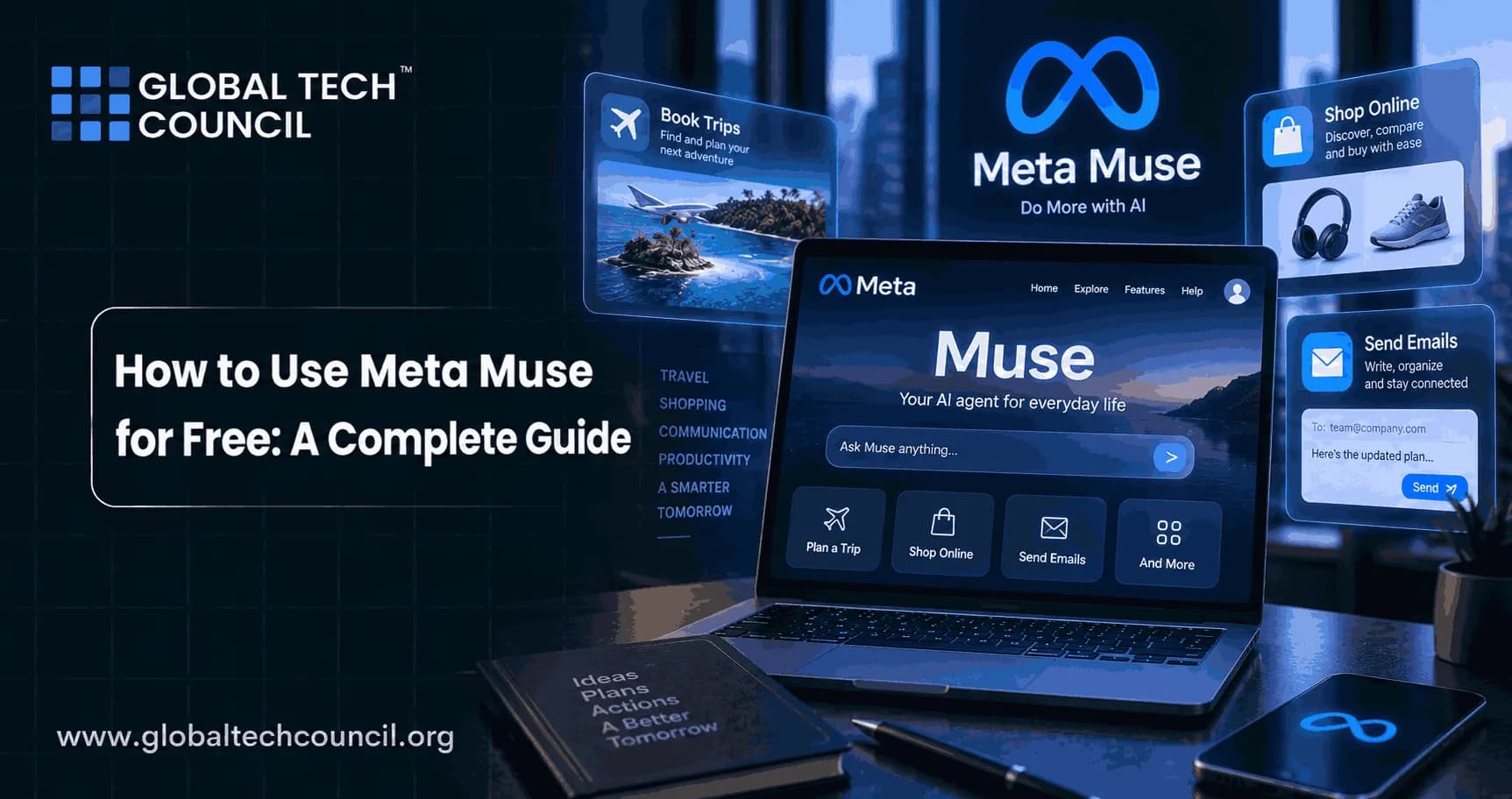
Muse is Meta’s new personal AI agent built to do more than answer questions. It can research topics, use a browser, work with connected apps, create documents, manage projects, help with shopping, fill out forms, and continue certain tasks even after you close the app. For people curious about agentic AI, the biggest question is simple: can you use Meta Muse for free?
The answer is yes, for many everyday uses. Meta says Muse is free for most of what people need, while paid subscription plans are available for users who want more capacity. Muse is currently rolling out in the United States through iOS, Android, muse.ai, and WhatsApp, so access may not appear for every account immediately.

Professionals who want to understand how AI agents plan, use tools, manage permissions, and complete multi-step work can complement hands-on experience with a Certified Agentic AI Expert program.
This guide explains how to access Meta Muse for free, what the free experience can do, how to use it safely, where it works, which tasks suit it best, and when a paid plan may make sense.
What Is Meta Muse?
Meta Muse is a personal AI agent designed to take action on a user’s behalf. Unlike a conventional chatbot that mainly returns responses, Muse can receive a goal, build a plan, use a browser, interact with approved services, create outputs, and continue working until the task is complete or needs your approval.
Muse is powered by Meta’s Muse Spark model family for reasoning, computer use, coding, and agentic tasks. It can help with travel planning, product comparisons, research, projects, documents, and long-term goals.
Is Meta Muse Free to Use?
Yes. Meta says Muse is free for most everyday needs. Users who need heavier usage or additional capacity can choose subscription plans. Exact limits may evolve as Meta expands the service, so the most reliable place to check your personal allowance is inside the official Muse experience.
This free entry point makes Muse particularly interesting for beginners who want to understand agentic AI without immediately paying for premium software.
People who want a broader foundation in AI concepts and applications can explore a Certified Artificial Intelligence (AI) Expert program while practicing with tools such as Muse.
Free access does not cover third-party costs. Purchases, bookings, or outside subscriptions remain your responsibility.
Where Is Meta Muse Available?
Meta Muse is initially rolling out in the United States. It is available through the Muse app on iOS and Android, through the Muse website at muse.ai, and directly through WhatsApp as availability reaches eligible accounts.
Because the rollout is gradual, eligible users may receive access at different times. Meta has also said Muse is coming to AI glasses.
How to Access Meta Muse for Free
The simplest method is to use one of Meta’s official entry points. Open the Muse app if it is available on your device, visit muse.ai through a supported browser, or access Muse through WhatsApp when it appears for your account.
Complete onboarding and review the permissions Muse requests. Beginners can start with research, weekly planning, comparisons, project organization, or document creation without connecting sensitive services.
Use official Meta services and avoid sites claiming special unlimited access, cracked applications, or unofficial extensions.
How Meta Muse Works
Muse operates inside Muse Secure VM, a dedicated virtual cloud computer containing its browser, tools, and information from services you connect. A separate Sentinel system reviews internet-facing actions, and Muse asks permission before sensitive steps such as sending an email or making a purchase.
Muse can continue longer tasks after you leave the app and return when something changes, the work finishes, or approval is required. This is a key difference between an agent and a traditional chatbot.
What Can You Do With Meta Muse for Free?
The free experience is intended to cover many ordinary personal and productivity needs. You can use Muse for research, planning, writing, organization, project support, comparisons, and other tasks within your available usage.
For example, Muse can research travel options, organize a study schedule, compare products, prepare checklists, create documents, and develop action plans. It can also produce structured outputs such as trackers, study materials, and dashboards.
Start with a real task that would normally require several browser tabs or applications. That makes it easier to judge whether agentic automation actually saves time.
How to Connect Apps and Services Safely
Muse becomes more useful when connected to services you already use, but every connection should be deliberate.
Start with the minimum permissions necessary. If Muse only needs to read information from an account, do not automatically grant permission to send, edit, delete, or purchase.
Meta lets users control service access, change permissions, and disconnect integrations. Review the activity trail for important work and verify purchase, email, or other sensitive approvals before confirming.
Agentic AI works best when convenience and control exist together. Removing every checkpoint is efficient right up until the agent misunderstands you.
Meta Muse for Research and Productivity
Muse can reduce repetitive work by combining research, planning, document creation, and follow-up into one workflow.
A student might build a revision plan, a researcher might compare sources, and a professional might prepare meeting briefs, trackers, or vendor research.
For larger projects, give Muse a clear objective, useful constraints, and a definition of success. Review important outputs before relying on them.
Meta Muse for Technical and Digital Work
Muse can support technical research, documentation, file work, and repetitive digital processes. Understanding the systems around the agent remains valuable. A Deep Tech Certification can complement practical AI use for learners interested in emerging technology, software, blockchain, and cybersecurity.
Sensitive technical decisions, production changes, and security configurations should still receive appropriate review.
Technology Skills & Education
Schools and parents are increasingly looking for ways to introduce children to technology in a structured and meaningful way. The World Tech Olympiad provides an opportunity for students to explore AI, coding, robotics, cybersecurity, and computational thinking while building confidence and problem-solving skills.
Agentic AI makes technology literacy even more important because these systems can take actions, not merely provide information. Students should learn how to check sources, understand permissions, protect personal data, and recognize when human judgment is necessary.
How to Write Better Prompts for Meta Muse
Good Muse instructions describe outcomes, context, limits, and approval boundaries.
Instead of writing, “Plan a vacation,” explain where you want to go, when you are traveling, your budget, interests, dietary needs, preferred pace, and whether Muse may only research options or also prepare bookings for approval.
For research, specify the question, desired sources, time period, and final format. For project management, explain the goal, deadline, resources, and milestones. For shopping, give a budget, essential features, preferred sellers, and conditions that should rule out a product.
Clear instructions reduce unnecessary work and make it easier to evaluate the result.
Meta Muse for Shopping and Transactions
Muse can help research products, compare options, and move through supported online shopping workflows. Meta has integrated Link by Stripe for eligible transactions, including one-time-use card technology designed to keep underlying card details from merchants.
Muse is designed to ask for approval before making purchases. Use that checkpoint properly. Confirm the item, seller, price, shipping information, recurring charges, and return terms before approving.
Free Muse access does not cover the cost of products or third-party subscriptions. It only means you may be able to use the Muse service without paying Meta for ordinary usage.
Privacy and Security in Meta Muse
Meta says each Muse runs inside its own Secure VM, while users decide which services it can access. Credentials can be stored so the agent uses authorized services without directly seeing underlying passwords or payment information.
Users can review an audit trail, change permissions, disconnect services, and opt out of having Muse interactions used to train Meta’s AI models. Meta also says Muse VM conversations and data are not shared with its advertising systems. Even with these safeguards, avoid unnecessary access and follow workplace or legal requirements for confidential information.
Free Meta Muse vs Paid Muse Plans
Meta describes Muse as free for most everyday needs, while subscriptions are intended for people who want to do more.
A sensible approach is to begin with the free version and measure whether Muse saves meaningful time. If you frequently hit limits or depend on it for long-running workflows, additional paid capacity may become useful.
Do not upgrade simply because a premium button exists. Determine which tasks you need, how often you use the agent, and whether the extra capacity produces enough value to justify the price.
Meta Muse for Businesses and Marketing Teams
Businesses can use Muse for market research, vendor comparisons, planning, documentation, routine administrative work, project coordination, and information gathering.
Marketing teams may use it to research competitors, organize customer insights, prepare campaign briefs, compare positioning, track projects, and transform research into structured deliverables.
AI does not remove the need for marketing judgment. Teams still need to understand customers, positioning, analytics, brand voice, and commercial goals.
Professionals who want to strengthen those foundations can explore a Marketing Certification while using tools such as Muse to automate repetitive research and planning work.
Important Limitations of Meta Muse
Meta Muse is new, and its availability, usage limits, integrations, subscription options, and capabilities can change as the product develops.
Its initial rollout is focused on the United States. Users elsewhere may need to wait for official expansion rather than rely on unofficial workarounds.
Muse can also misunderstand instructions or make incorrect assumptions. Carefully supervise tasks involving payments, messages, legal commitments, sensitive accounts, or important business decisions.
Use automation where mistakes are reversible and add human review where errors could have serious consequences.
Is Meta Muse Worth Using?
For eligible users, the free tier makes Muse easy to test. The most valuable use cases are tasks involving several steps, multiple sources, ongoing monitoring, or repetitive digital work.
If you only need a quick answer, a normal AI chatbot may be faster. If you need research, planning, tool use, and follow-up combined into a single workflow, Muse becomes more interesting.
The real test is whether it reduces work without creating new supervision problems. A good agent should remove tedious steps, not simply give you a new digital employee whose every mouse click requires emotional support.
Final Thoughts
Meta Muse offers a practical entry point into agentic AI because Meta currently makes it free for most everyday needs. Eligible U.S. users can access Muse through iOS, Android, muse.ai, and WhatsApp as the rollout reaches their accounts.
Start with low-risk tasks such as research, planning, comparisons, or document creation. Add connected services gradually, use the minimum permissions required, and review sensitive actions before approving them.
The best way to use Meta Muse for free is not to test random prompts. Give it a real multi-step task, measure whether it saves time, and expand its role only when the results justify the additional access.
Frequently Asked Questions
1. What is Meta Muse?
Meta Muse is a personal AI agent developed by Meta. Unlike a basic chatbot, it can plan tasks, use a browser, interact with approved services, create documents, manage goals, and complete multiple steps on a user’s behalf.
2. Is Meta Muse free to use?
Yes. Meta says Muse is free for most everyday needs. Subscription plans are also available for people who need additional usage or capabilities. Exact free limits may change as the service develops.
3. How can I use Meta Muse for free?
Use an official Meta Muse entry point. Eligible users can access Muse through its iOS or Android apps, through muse.ai, or through WhatsApp as the rollout reaches their account.
4. Is Meta Muse available worldwide?
Not yet. Meta initially launched Muse in the United States. Availability is rolling out gradually, and Meta may expand the service to additional markets over time.
5. Can I use Meta Muse on Android?
Yes. Meta Muse is rolling out through an Android app in the United States. Availability can depend on account and rollout status.
6. Can I use Meta Muse on an iPhone?
Yes. Meta Muse is available through its iOS app for eligible U.S. users as the rollout progresses.
7. Can I access Meta Muse on the web?
Yes. Meta provides browser-based Muse access through muse.ai. Users should use the official service rather than unofficial websites claiming to unlock extra Muse access.
8. Can I use Meta Muse in WhatsApp?
Yes. Meta says users can interact with Muse directly through WhatsApp. The feature is being rolled out, so it may not appear for every account at the same time.
9. What AI technology powers Meta Muse?
Meta Muse is powered by Meta’s Muse Spark model family. Muse Spark is designed for reasoning, computer use, coding, multimodal tasks, and agentic workflows where AI needs to perform actions instead of only generating responses.
10. What can Meta Muse do?
Muse can research information, browse websites, organize projects, create documents, fill out forms, work with connected services, help with shopping, manage long-term goals, and complete multi-step tasks.
11. Can Meta Muse continue working after I close the app?
Yes. Muse is designed to continue certain longer-running tasks after you leave the application. It can return when work is complete, when circumstances change, or when it needs your approval.
12. Can Meta Muse send emails?
Muse can work with connected email services when the user gives appropriate permission. Meta says it requests approval before sensitive actions such as sending an email.
13. Can Meta Muse make purchases?
Muse can help with shopping and supported checkout workflows. It is designed to ask for approval before completing a purchase, allowing users to verify the product, seller, price, and other details first.
14. What is Muse Secure VM?
Muse Secure VM is the dedicated virtual computer where each Muse agent operates. It contains the browser, tools, and connected information needed to work while providing isolation and security controls around the agent.
15. What is Sentinel in Meta Muse?
Sentinel is a separate security component that checks Muse’s internet-facing actions. It helps enforce safety controls and can require user approval when Muse attempts sensitive actions.
16. Can Meta Muse see my passwords?
Meta says Muse itself does not have visibility into passwords or payment methods stored through its secure credential system. Authorized credentials can be used without exposing the underlying information directly to the agent.
17. Does Meta use Muse conversations for advertising?
Meta says conversations and data stored inside a user’s Muse VM are not shared with Meta’s advertising systems. Users should still review current privacy controls and policies as the service evolves.
18. Can I opt out of Meta Muse data being used for AI training?
Meta says users can opt out of having their Muse interactions used to train its AI models. Privacy settings should be reviewed during setup so users can choose the controls that fit their preferences.
19. Is Meta Muse useful for businesses?
Yes. Businesses can potentially use Muse for research, project coordination, vendor comparisons, documentation, planning, and repetitive administrative work. Organizations should still apply appropriate security, privacy, and human-review policies.
20. Will Meta Muse always remain free?
Meta currently says Muse is free for most everyday needs, with subscription options for users who want more. Meta has not guaranteed that current limits or pricing will remain unchanged permanently, so users should check official product information for future updates.
Related Articles
View All
Agentic AI
Meet Muse: Meta's New AI Agent That Can Book Trips, Send Emails, and Shop
Meet Muse, Meta’s new AI agent designed to help users book trips, send emails, shop online, and manage everyday digital tasks more efficiently.

Agentic AI
Evaluating AI Agents: Key Metrics, Benchmarks, and Testing Frameworks for Reliability
Learn how evaluating AI agents differs from LLM evaluation, with key reliability metrics, modern benchmarks, and hybrid testing frameworks for production.

AI & ML
Jev AI: Complete Guide
Explore Jev AI in this complete guide, covering TypeSafe AI’s System One architecture, RLCD training, parallel sampling, typed decisions, confidence scores, speed, and automation use cases.
Trending Articles
The Role of Blockchain in Ethical AI Development
How blockchain technology is being used to promote transparency and accountability in artificial intelligence systems.
AWS Career Roadmap
A step-by-step guide to building a successful career in Amazon Web Services cloud computing.
Top 5 DeFi Platforms
Explore the leading decentralized finance platforms and what makes each one unique in the evolving DeFi landscape.